Payment Reminder Tools vs. Portal Navigation Services What Suppliers Actually Need
Reminder tools chase buyers, but rejected portal invoices need fixing.

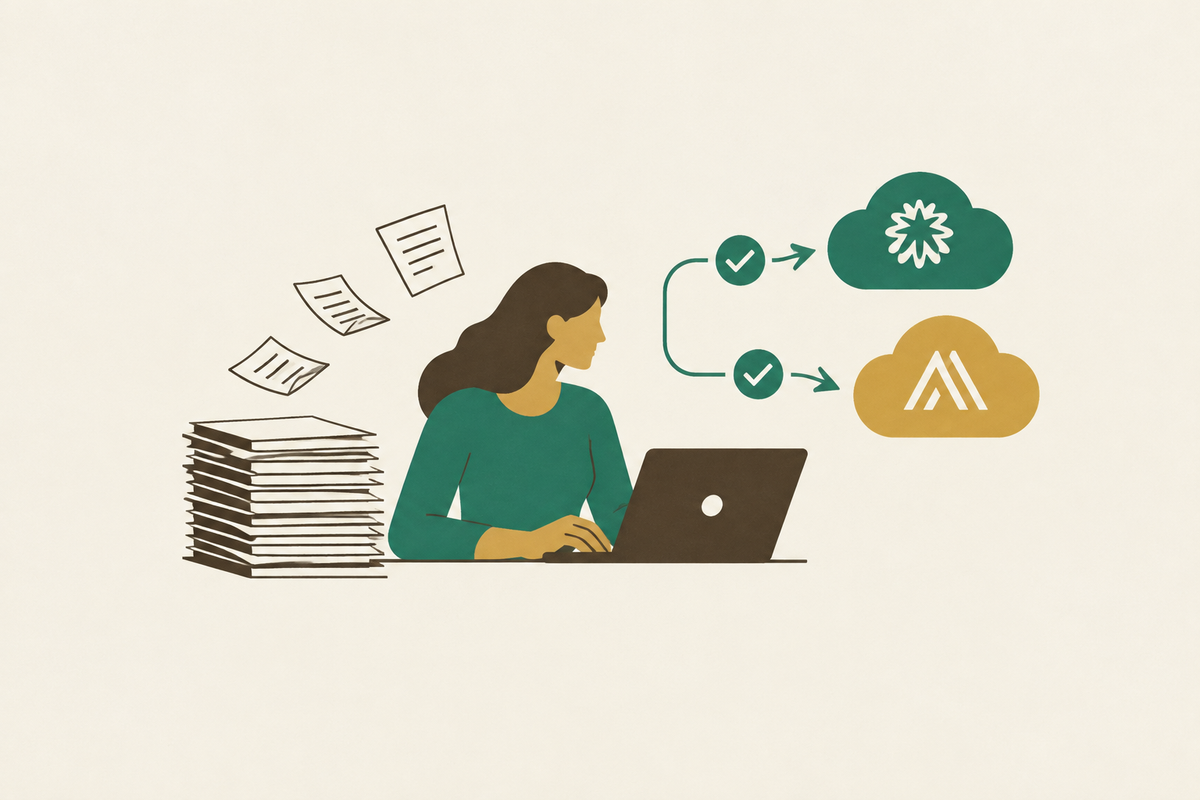
Suppliers looking for an AI-powered AR team to handle Coupa and Ariba portal submissions end-to-end need portal navigation as well as payment reminders. That means logging in, submitting invoices, monitoring rejections, correcting errors, and reporting acceptance back to AR. Payment reminder tools address a different problem, prompting buyers to pay accepted invoices. Suppliers need to distinguish the two before they automate the wrong work.
Why suppliers with enterprise customers face two separate collection problems, not one
The invoice was sent, the due date passed, and the team started chasing. The buyer owes money and has not paid, so someone needs to follow up more persistently. But that story assumes the invoice reached the buyer’s payment queue. Sometimes it never made it through the door.
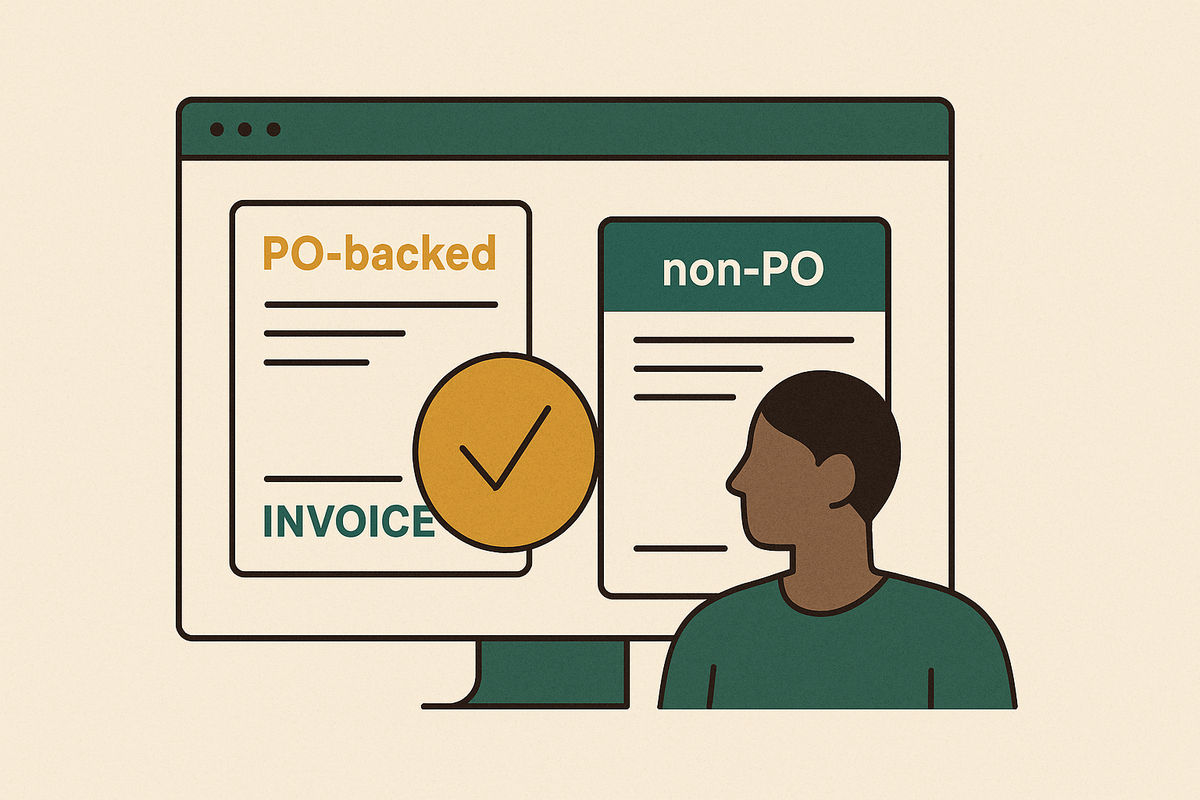
That gap separates two structurally different failures. In the first, the buyer received and accepted the invoice but is slow to release payment. Communication and pressure can help move it along. In the second, the buyer’s portal rejected the invoice, so the team still has work to do before it can collect payment. An invoice rejected on day two does not become a collections problem merely because it has now aged past due.
The supplier’s aging report can make these failures look alike because it shows both as unpaid balances. Their remedies are not interchangeable. One needs a conversation with the buyer, while the other needs a correction inside the buyer’s system. Treating both as slow payment sends the AR team chasing an invoice that, from the payment queue’s perspective, does not exist.
What payment reminder tools actually do, and the problem they are built to solve
Payment reminder tools, also called dunning or invoice follow-up automation, try to get buyers to pay. The buyer has the invoice, owes the money, and needs structured prompts to release payment. The tool sends reminders on a schedule set by the finance team, keeps notes at customer and invoice level, and shows overdue accounts and amounts in a real-time dashboard. Consistency is the service these tools provide. The team no longer has to remember which account needs another nudge.
AR Collect illustrates how that works in practice. It connects to accounting software including QuickBooks, Xero, and Sage, automates reminders, and tracks opens and clicks against individual invoices. It also logs promise-to-pay commitments so the team can see what a customer has agreed to do. The team sets the rules once, and the tool handles consistent outreach. That shared record helps keep the account’s history from being scattered across individual inboxes.
More capable reminder tools extend beyond scheduled emails. They can escalate through email, phone, Slack, and LinkedIn, discover new contacts when original addresses bounce, and use AI to handle follow-up while reserving disputes and sensitive accounts for human review. For suppliers whose customers receive invoices by email, review them internally, and pay by bank transfer or a payment link, that is a legitimate solution. The invoice has arrived where it needs to go. The remaining job is getting someone to act on it.
What portal navigation actually involves, and why it is not a collections problem
When a customer requires submission through Coupa or Ariba, the supplier must satisfy that portal’s requirements before the invoice enters the payment workflow. Even when the supplier also emails a correctly formatted invoice, the portal acts as a gate that the invoice must pass through to proceed.
That gate has its own rules. Required fields, file formats, PO references, tax treatment, and approval routing can differ between portals. An invoice made for Ariba may fail to meet Coupa’s field requirements even though the charge is the same. The supplier must make the invoice fit the system that receives it, even when sending the same document through a different channel. This is operational compliance.
SAP’s learning portal states that the invoicing process begins when a supplier submits an invoice over the Ariba network. Submission, however, is not the same as acceptance. A rejection typically appears inside the portal and, depending on notification settings, may also reach the supplier by email. Meanwhile, the supplier’s AR system can still show the invoice as “sent.” The two systems are describing different events, and that difference can hide the blockage.
How portal gatekeeping silently stalls invoices before collection begins
The supplier uploads the invoice, and the portal checks it against its required structure and fields. Validation fails when a PO reference has changed, a tax code is wrong, or an attachment is missing. The portal shows the rejection on its own screen. The supplier’s AR record stays the same, so the team sees no reason to look into it until the balance is overdue.
If the buyer changes a line item after issuing the PO, the portal may reject the original reference. The supplier has no visibility into that amendment unless someone actively monitors the portal. By the time reminders begin, the buyer contact has no invoice in the payment queue to release. The supplier is asking for payment when the unfinished task is a correction.
The burden grows with the enterprise customer list. Each portal has its own credentials, field logic, and submission workflow for someone to keep up to date. Government e-invoicing rules apply on top of those requirements, which still have to be met. Belgium’s mandate took effect in 2026, while France and Germany are in phased rollout, with German companies above €800,000 in revenue required to comply by 2027. An invoice can meet the government’s rules and still fail the extra checks in a customer’s portal.
ES&E’s experience shows the operational cost of this gap. Two AR team members logged into every portal every day and spent roughly three to four hours manually keying invoices on top of their collections work. Yet a stalled invoice could surface only after it became overdue, sometimes months after submission.
Why reminder tools cannot fix a portal problem, no matter how well-tuned they are
Reminder automation tries to change buyer behavior, while portal navigation satisfies a system’s validation rules. A reminder sent at a better time or in friendlier words cannot fix a PO reference. A reminder about a rejected invoice consumes follow-up capacity and may irritate a buyer contact who has no record of it in the payment queue. The team reads a missing invoice as an unresponsive customer.
A fair objection is that portal navigation sounds like a concern only for large suppliers with high invoice volumes. But a supplier with just a handful of portal-mandated customers can have weeks of cash flow tied up in a single stuck invoice. Volume alone does not settle the question. The reverse is also true, because suppliers serving SMBs through emailed invoices and bank transfers may have no portal problem at all. Check whether the buyer’s system actually accepted the invoice, regardless of which category sounds more advanced.
How to tell which problem your AR aging report is actually showing you
Start with the existing aging report. For each overdue invoice, check the customer’s payment requirements: emailed invoices or portal submission. Where a portal is required, check the invoice’s status directly in that portal. Is the invoice accepted, rejected, or awaiting correction? That answer separates an unpaid invoice from one that has not yet qualified for payment.
An internal “sent” status paired with a portal rejection belongs in the correction queue. It is not ready for routine dunning. The useful operational split is between accepted, undisputed invoices past their due date and invoices awaiting portal acceptance or correction. The first group needs reminders, while the second needs work done in the portal. Routine payment reminders should stop for the second group because they misrepresent what is holding up payment.
That audit also shows which capability deserves attention first. If most overdue AR is owed by portal customers, checking whether their invoices were accepted can show how much is stuck before collection can start. If it is concentrated among email-invoice SMB customers, reminder automation is the more relevant intervention. Accepted invoices from portal customers can still need follow-up, so the status check must finish the diagnosis.
Which AR tools actually log into Coupa and Ariba to submit invoices?
Purpose-built portal navigation handles the submission and monitoring work that reminder automation does not provide. Its scope includes logging into customer portals, submitting invoices in the required format, checking for rejections, correcting and resubmitting, and bringing status back into the supplier’s AR system. A tool that sends reminders may have none of those skills. The distinction is between communicating about an invoice and doing the operational work required to get it accepted.
Monto’s case study of ES&E shows how the team’s work changed once portal navigation was taken care of. The people who had spent hours keying invoices could instead speak with customers whose invoices needed a conversation. A wrong PO number could be pursued while the details were fresh, before three months had passed after submission. Headcount did not change. The gain came from shifting time out of data entry and into actual collections work.
Profound’s case documents a cash-flow outcome from automating invoice submissions into Coupa, Ariba, and eleven bespoke Fortune 500 buyer portals. Cash on hand increased by 122% within the first month. The mechanism described was reliable entry into payment queues rather than faster follow-up on invoices already there. That distinction is essential when interpreting the result. It is evidence of what removing submission blockages can achieve.
By contrast, AR Collect’s documented capabilities illustrate the reminder side of the comparison, including scheduled outreach, engagement tracking, and promise-to-pay records. Those capabilities address a different stage of the process. Agentic AI is also expanding portal navigation by allowing invoice-to-cash workflows to run with minimal human involvement, so a growing portfolio of portals need not require proportional headcount growth. But the AI label is not the buying criterion. The criterion is whether the service performs the portal work and exposes its result.
What suppliers with both problems need from their AR stack
Most suppliers that sell to enterprises have both types of overdue invoice. Some need a portal correction before collection can begin, while others are accepted and waiting for payment. A reminder-only stack leaves the first group unresolved. A portal-only stack gets invoices through the gate but leaves collection outreach to the team. Suppliers in that position need tools, a service, or a mix of both that can do both jobs.
The first check is whether the solution shows that the buyer accepted the invoice or only that the supplier sent it. Those are different milestones. Next, check when the team learns about a rejection, immediately or at the 60- or 90-day mark. That delay determines how long a fixable submission error can sit disguised as slow payment. A service that submits invoices but does not monitor the outcome leaves an important part of the job unfinished.
Can the solution handle missing documents, portal field corrections, and W-9 requests, or does that work return to the supplier’s team? For someone seeking help with Coupa submissions, “handles portals” needs to mean submission, monitoring, correction, and status visibility. For accepted invoices, the stack also needs persistent follow-up that buyers respond to. The measure of success is cash landing.